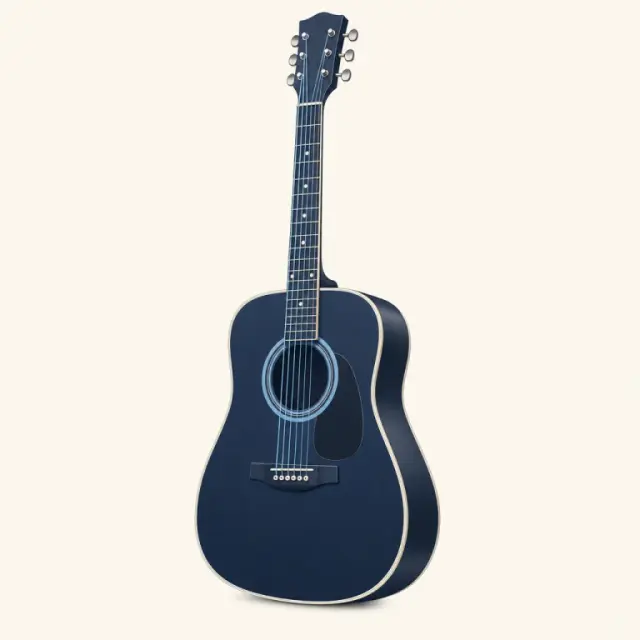
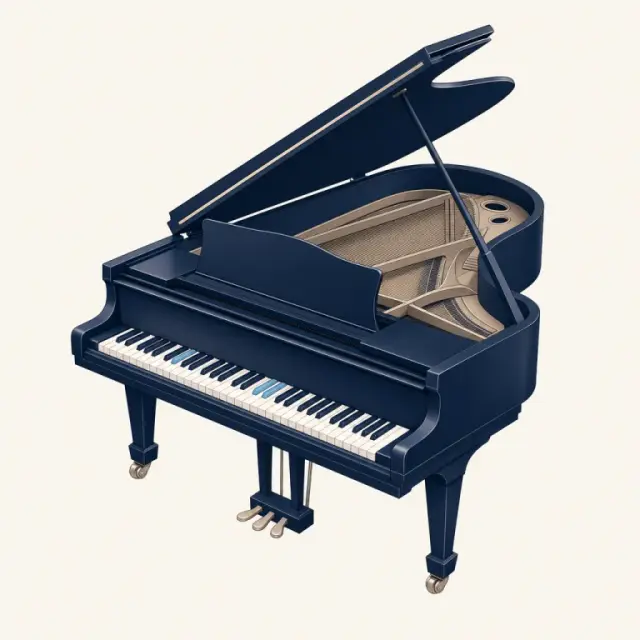
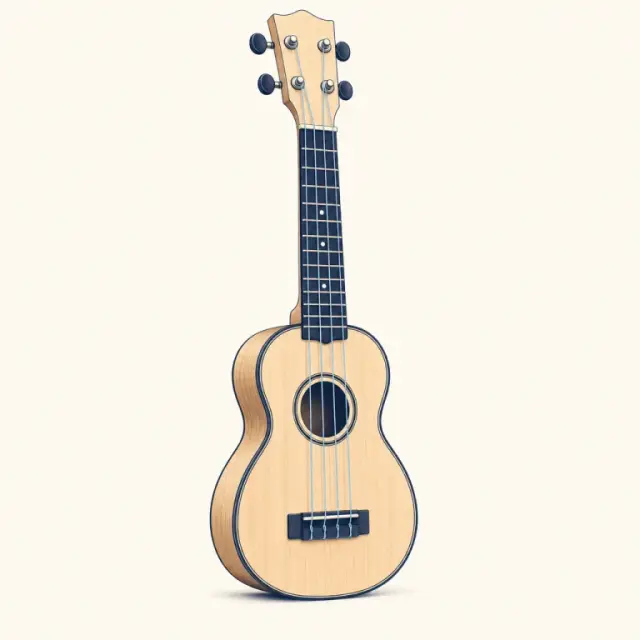
The PlayTheChord chord library puts all chords in one place: 12 roots × 7 chord types for guitar, piano and ukulele — 252 chord pages you can hear — plus full charts for bass, mandolin and banjo. Search a chord name or pick it from the table below.
Twelve roots down the side, seven types across the top — the whole chord library on one screen. Choose an instrument, then click any symbol to open its page with diagrams, notes and audio.
84 guitar pages — the easiest shape first, then barre and higher voicings, each with finger numbers and sound.
A quick tour of what is in the chord library, how the names are built and how to get the most out of it in practice.
What is inside the chord library
Every page in this chord library covers one chord on one instrument. Guitar, piano and ukulele each get all 12 roots in seven chord types — major, minor, dominant 7th, major 7th, minor 7th, sus4 and the 5 (power chord). That makes 84 chords per instrument and 252 chord pages in total. Bass, mandolin and banjo each have one large chart with the same twelve roots and seven types on a single page.
Each page shows the notes and the formula, the easiest shape first and the harder voicings after it, the keys the chord belongs to and an easier alternative you can swap in. Press play to hear a strum, an arpeggio or a block chord, so you can check your fingers against the sound instead of guessing.
How chord names work
Every symbol in the chord library follows one pattern: a root plus a quality. The root is the letter — C, F♯, B♭ — and the suffix tells you which notes sit on top of it. No suffix means major, a small m means minor, a 7 adds the flat seventh, maj7 adds the major seventh, sus4 swaps the third for the fourth and 5 keeps only the root and fifth. The table below spells all seven types from C, so you can see each formula at a glance.
The seven chord types in the chord library, spelled from CSame root, seven qualities — the formula column shows which scale degrees each chord uses.
Every fretted diagram in the chord library shows the neck standing upright: vertical lines are strings, with the lowest on the left, and horizontal lines are frets. A dot marks where a finger goes and the number inside it says which finger — 1 index, 2 middle, 3 ring, 4 pinky. An o above a string means play it open, an x means leave it silent, and a bar across several strings is a barre. A small number beside the grid tells you the shape starts higher up the neck. Piano pages light up the keys to press instead, with the root in violet and the note names printed under the keys.
Sharps, flats and two names for one chord
C♯ and D♭ are the same key on a piano and the same fret on a guitar, so C♯ major and D♭ major sound identical. The chord library keeps one page per sound and uses the spelling you meet most often in real keys: E♭, A♭ and B♭ for major chords, C♯m, D♯m and G♯m for minor ones. Search for either name and you land on the same chord page.
How to practise with the chord library
Looking chords up is only half the job — the other half is getting them under your fingers. A few habits make the chord library far more useful:
Learn chords in key families. G, C, D and Em share notes, so the changes between them are short.
Play the chord, then press play. If a string buzzes or a note is missing, the audio makes it obvious.
Take one root through all seven types — C, Cm, C7, Cmaj7, Cm7, Csus4, C5 — to hear how each quality colours the same bass note.
Open the circle of fifths when you want to know which chords belong together in a key.
Play it
One chord library, six instruments
The same chord sounds different on every instrument. Each chart is tuned to its own strings and keys, so what you see is what you play.
GuitarPianoUkuleleBassBanjo
FAQ
Chord library FAQ
Short answers about how the chord library is organised, how chords are named and how to practise them.
What is a chord library?
A chord library is a reference that lists chords by name so you can look up how to play them. This one adds sound: every chord shows its notes and diagrams and plays back on guitar, piano, ukulele, bass, mandolin or banjo — a chord chart for every instrument, with sound.
How many chords are in the chord library?
There are 252 chord pages for guitar, piano and ukulele (12 roots × 7 types × 3 instruments), plus charts for bass, mandolin and banjo with the same 84 chords each — 504 chords across six instruments.
Which chords should I learn first?
On guitar, start with G, C, D, Em and Am — they cover a huge number of songs. On ukulele learn C, Am, F and G; on piano, C, F, G and Am use only white keys. The beginner pages at the top of the chord library list the first chords for each instrument.
Why does D♭ open the C♯ chord page?
They are enharmonic: two names for the same pitch. The chord library keeps one page per sound and sends the other spelling to it, so search and links work with either name.
How do I find a chord quickly?
Type it into the search box at the top of the chord library — Bm, F♯m7, "b flat 7" and "D♭ piano" all work — or press ⌘K (Ctrl K on Windows) on any page. You can also browse all chords in the table by root and type.
Is the chord library free?
Yes. Every page, chart and tool on PlayTheChord is free to use with no sign-up. The sounds play in your browser when you press play.
Does the chord library work on a phone?
Yes. The table scrolls sideways on small screens, diagrams scale to fit and every page plays sound through your phone speaker or headphones.
Know the chord? Hear it in seconds.
Pick any chord in the finder and hear every shape on guitar, piano or ukulele.