
C – E – G: a plain major triad
Root, major third, perfect fifth: C major in root position, with the root in violet.
Load C–E–GThis free piano chord finder works both ways: choose a chord to see and hear its keys, fingering and inversions — or tap keys on the keyboard and it tells you what you are playing.
C
C major · Root position
1 – 3 – 5
The piano chord finder has two modes. Find by name starts from a symbol: pick a root note and a type, and the keyboard lights up the notes — the root in violet, the other tones as dark dots, with suggested finger numbers on every key. Identify from keys works the other way round: tap the keys you are holding and the piano chord finder names them.
Every result plays back with a real piano sample, as a block or broken one note at a time. Under the keyboard you also get the keys each chord belongs to and links to its full pages.

Switch to Identify from keys and the piano chord finder becomes a chord identifier. Tap two or more keys on the two-octave keyboard (the arrows shift it an octave) and the name appears at once — triads, sevenths, sus shapes, sixths and ninths.
The order you tap in does not matter, and doubled notes are fine. When a set of notes can be read more than one way — C6 and Am7 share the same four notes — the piano chord finder puts the likeliest name first and lists the others underneath.
Six sets of notes you will meet all the time. Load each one into the piano chord finder, listen, and see how the name is worked out.
Root, major third, perfect fifth: C major in root position, with the root in violet.
Load C–E–GSame notes, E in the bass. The name stays C, written C/E — first inversion.
Load E–G–CFour notes, two names. With A in the bass the piano chord finder reads Am7 and lists C6 underneath.
Load A–C–E–GA major triad plus a minor seventh: G7, the sound that pulls hardest back to C.
Load G–B–D–FNeither major nor minor: Csus2. Swap D for F and you get Csus4; play E and it resolves to C.
Load C–D–GThe other direction: pick F♯ and m7 in the piano chord finder to see F♯–A–C♯–E and its four inversions.
Show F♯m7A chord keeps its name when you rearrange its notes, but the lowest note changes how it sounds. When the bass is not the root, the piano chord identifier writes a slash chord: C/E is C major with E in the bass (first inversion), and C/G puts the fifth in the bass (second inversion).
Inversions are how pianists move between harmonies smoothly. Instead of jumping the whole hand from C to F to G, play C in root position, F in second inversion (C–F–A) and G in first inversion (B–D–G): the hand hardly moves. Tap those shapes into the piano chord finder and it names each one for you.

Each type is a fixed pattern of intervals above the root. Learn the pattern once and you can build it in any key: major is root, major third and perfect fifth (1–3–5); minor lowers the third (1–♭3–5); a dominant seventh adds a minor seventh on top (1–3–5–♭7).
The table lists the formula of all 20 types in the piano chord finder, each built on C. Select any of them above to see it on the keys and hear it.
| Type | Symbol | Formula | Built on C |
|---|---|---|---|
| Major | C | 1 – 3 – 5 | C E G |
| Minor | Cm | 1 – ♭3 – 5 | C E♭ G |
| Dominant 7th | C7 | 1 – 3 – 5 – ♭7 | C E G B♭ |
| Major 7th | Cmaj7 | 1 – 3 – 5 – 7 | C E G B |
| Minor 7th | Cm7 | 1 – ♭3 – 5 – ♭7 | C E♭ G B♭ |
| Suspended 4th | Csus4 | 1 – 4 – 5 | C F G |
| Power chord | C5 | 1 – 5 | C G |
| Suspended 2nd | Csus2 | 1 – 2 – 5 | C D G |
| Diminished | Cdim | 1 – ♭3 – ♭5 | C E♭ G♭ |
| Augmented | Caug | 1 – 3 – ♯5 | C E G♯ |
| Major 6th | C6 | 1 – 3 – 5 – 6 | C E G A |
| Minor 6th | Cm6 | 1 – ♭3 – 5 – 6 | C E♭ G A |
| Dominant 9th | C9 | 1 – 3 – 5 – ♭7 – 9 | C E G B♭ D |
| Add 9 | Cadd9 | 1 – 3 – 5 – 9 | C E G D |
| Diminished 7th | Cdim7 | 1 – ♭3 – ♭5 – 𝄫7 | C E♭ G♭ B𝄫 |
| Half-diminished 7th | Cm7b5 | 1 – ♭3 – ♭5 – ♭7 | C E♭ G♭ B♭ |
| 7th suspended 4th | C7sus4 | 1 – 4 – 5 – ♭7 | C F G B♭ |
| Minor-major 7th | Cm(maj7) | 1 – ♭3 – 5 – 7 | C E♭ G B |
| Major 9th | Cmaj9 | 1 – 3 – 5 – 7 – 9 | C E G B D |
| Minor 9th | Cm9 | 1 – ♭3 – 5 – ♭7 – 9 | C E♭ G B♭ D |
Most wrong names come from a handful of slips. Check these first — or let the piano chord finder check them for you.

Start with the three major chords of one key — C, F and G — then add Am, Dm and Em. Those six cover a huge number of songs, and our piano chords for beginners page takes you through them one at a time.
A good daily routine: pick a root in the piano chord finder and play its major, minor, 7, maj7 and m7 shapes with each hand, saying the note names out loud. When you can find any triad without looking it up, move on to sevenths.
For the full library with keyboard diagrams, open the piano chord chart; to see which chords belong together in a key, explore the circle of fifths, and if the note names are still new, start with piano keys.
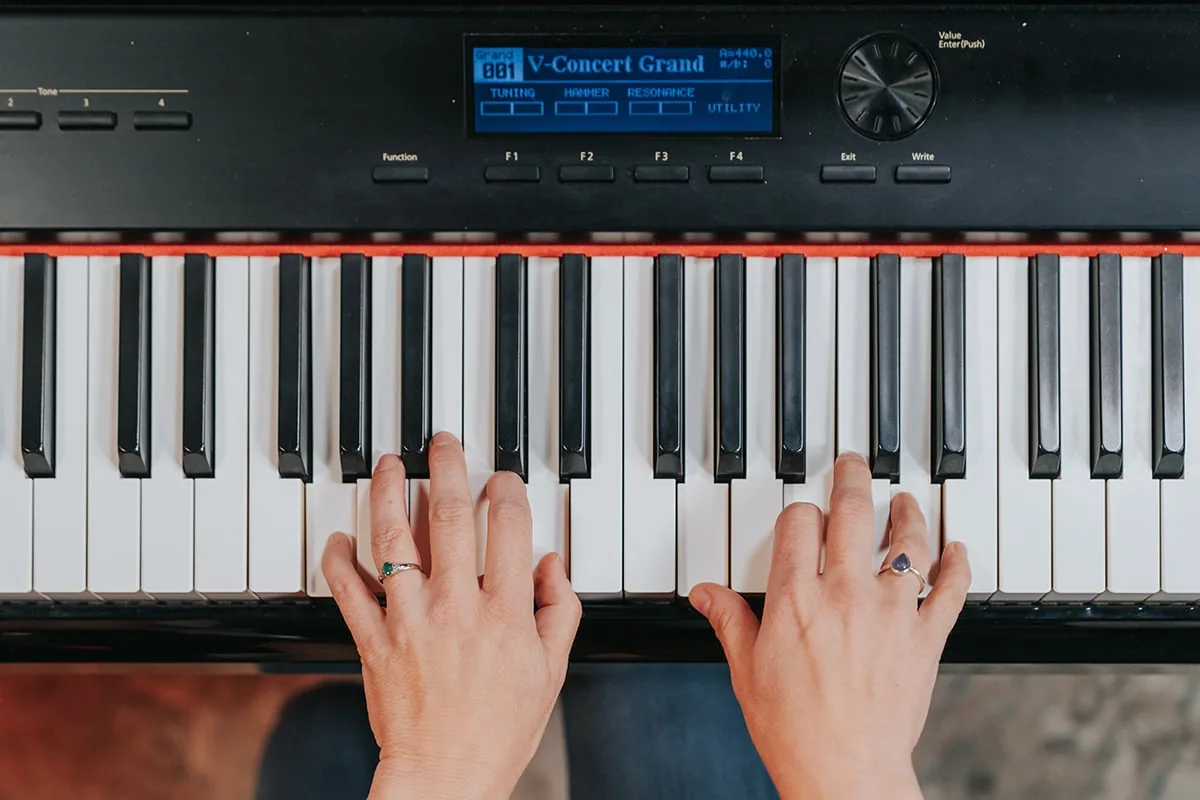
Look up a chord between takes, during a lesson or while you write — on a laptop, tablet or phone.
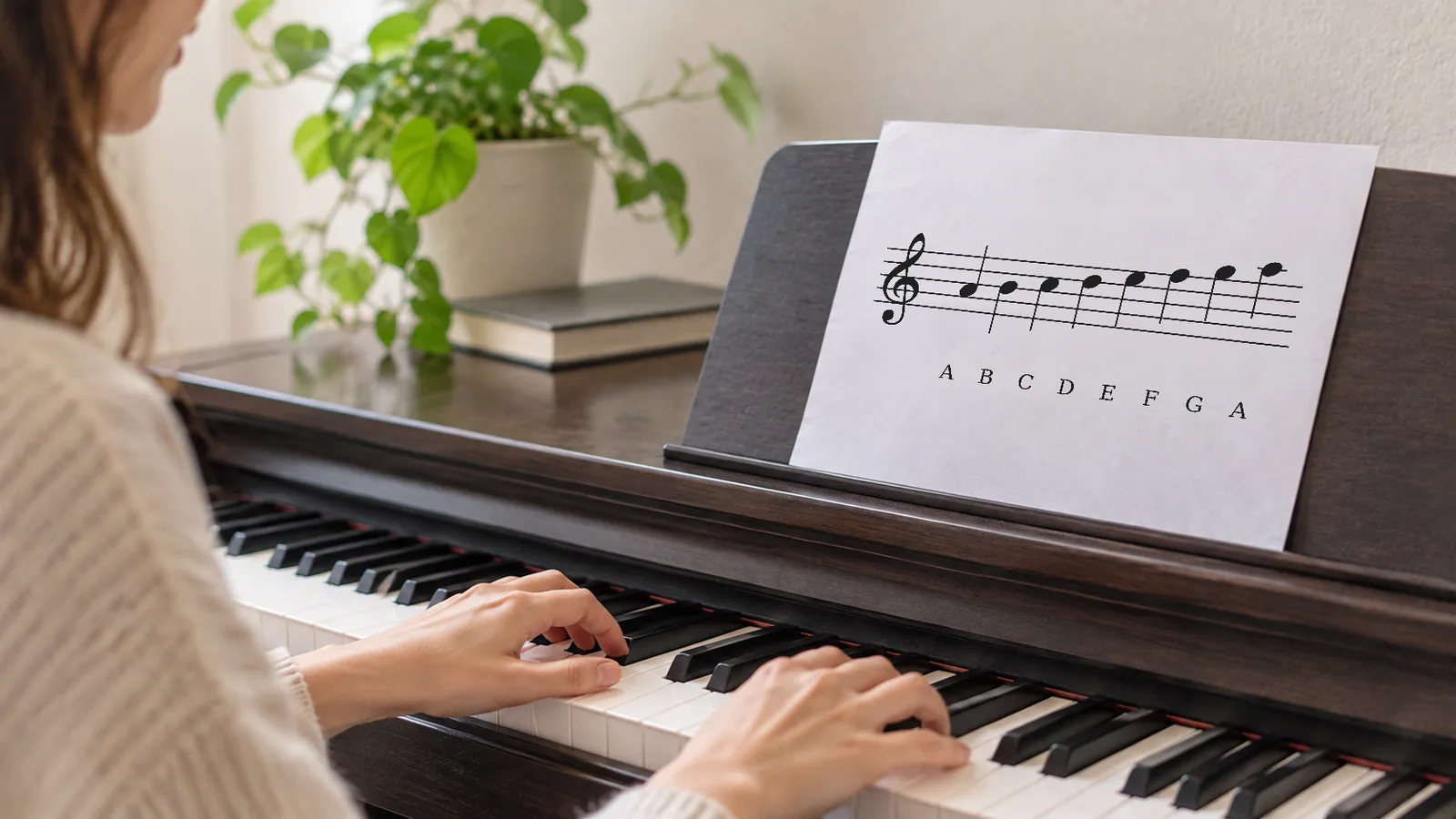




Like the piano chord finder, every tool plays real instrument samples. No account, no download.
Short answers about naming, inversions, fingering and sharing.
Browse every chord on the piano chord chart, or turn your chords into a progression.